Country Restrictions
Country Restrictions
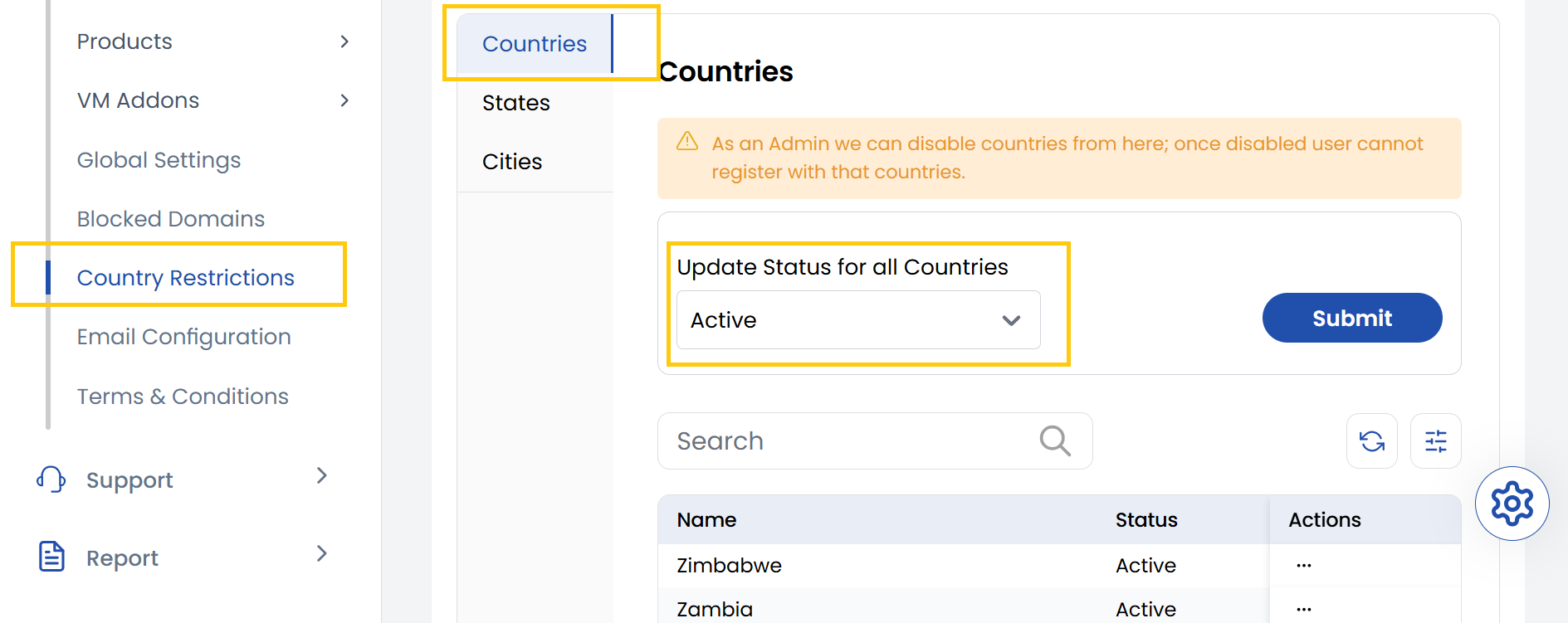
The Country tab enables you to view all supported countries and selectively disable any of them to restrict users from those regions from signing up. You can also toggle the active or inactive status of each country.
As an Admin, we can disable countries from here; once disabled, users cannot register with those countries.
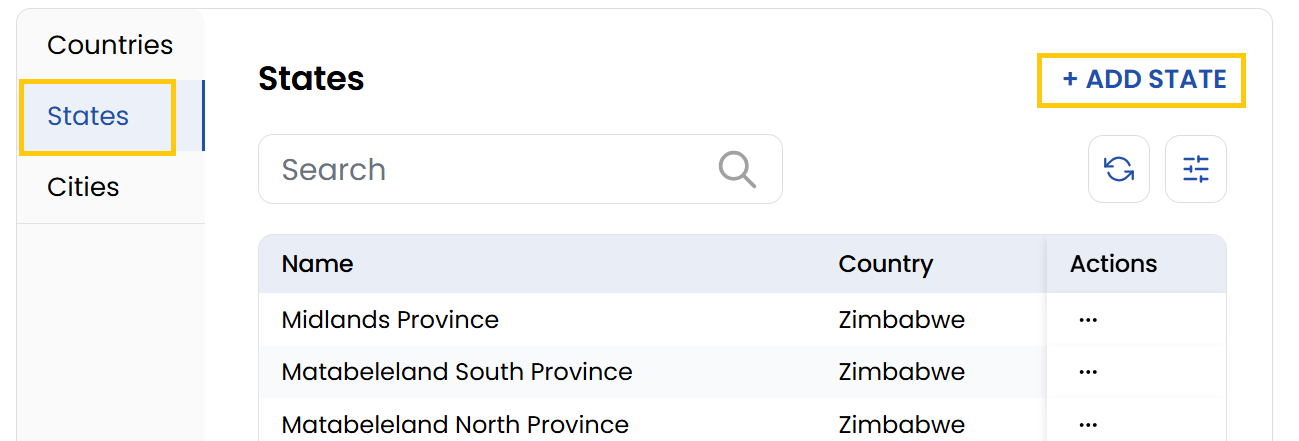
The States tab lets admins manage the list of states or provinces available within the system. It displays all existing states and provides an option to add new ones by selecting a country and entering the state name.
- It displays all existing states and provides an option to add new ones by clicking on Add State. Select a country and enter the state name.
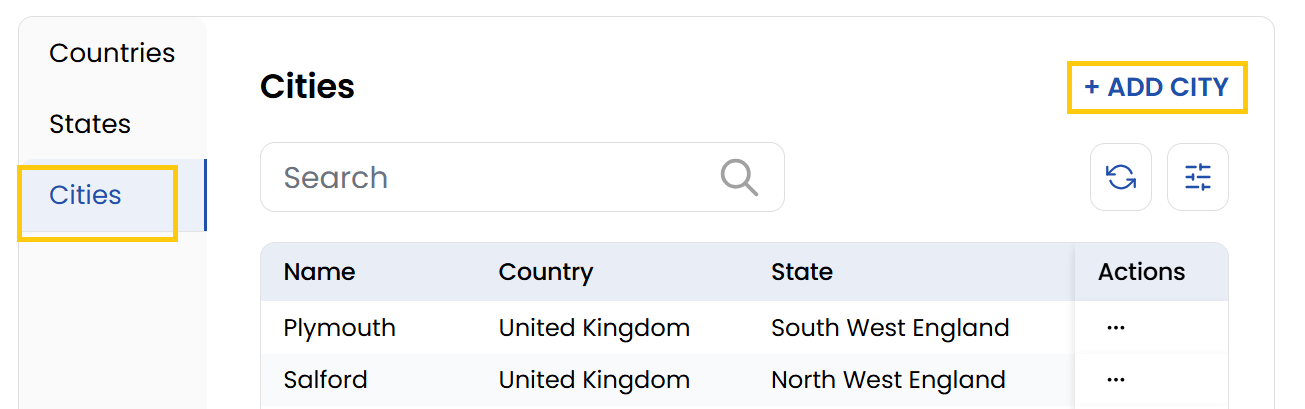
The Cities tab allows for detailed control over city-level access within the platform. Admins can view existing cities, disable specific ones, or add new cities to the restricted list.
- To add a city, click on Add City, choose the country and state, and then enter the city name.
Conclusion
The Country Restrictions tab provides a structured way to manage access at the country, state, and city levels. It ensures that organizations can enforce regional sign-up policies effectively and maintain compliance with geographic limitations.